
Itineraries that bring back leads.
A downloadable itinerary PDF that turns trip-page visitors into leads.
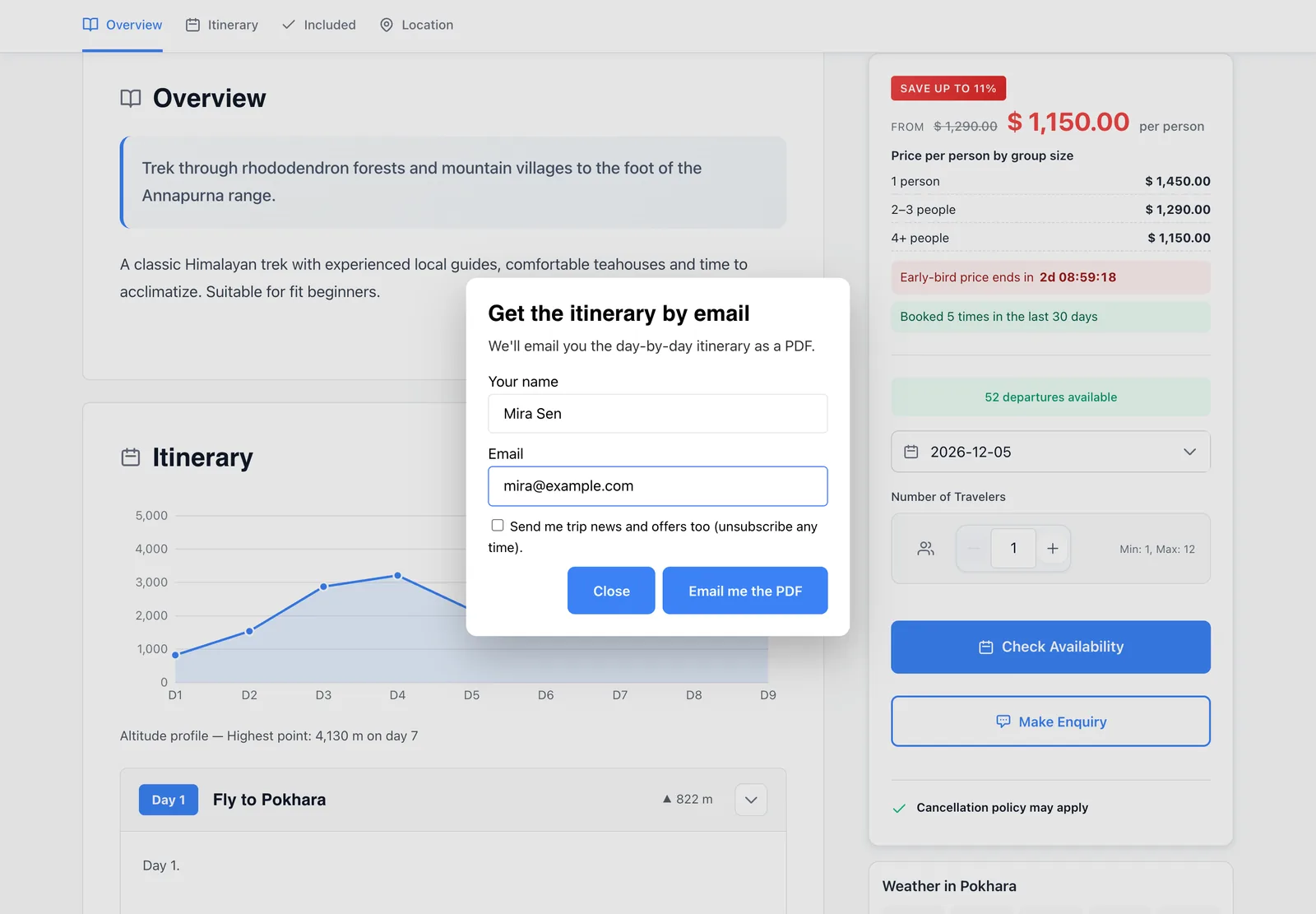
A Download itinerary (PDF) button appears in the trip page's itinerary section. The visitor enters their name and email, and Yatra emails them the day-by-day itinerary as a PDF. Each request is saved as an enquiry so you can follow up.
Single payment per year · 14-day refund · One Pro license unlocks every module on this tier.
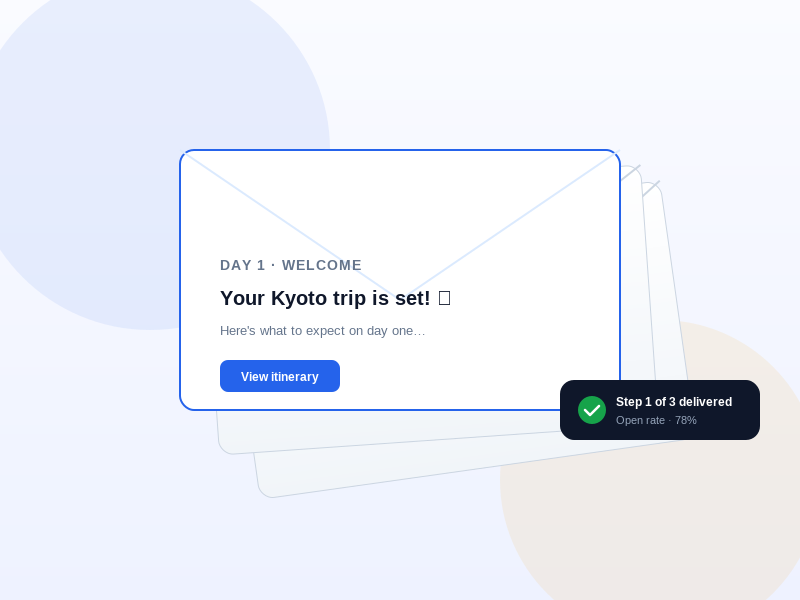
Why Itinerary Downloader matters for tour operators
Many visitors on a multi-day trip page are not ready to book. They want to read the itinerary later or share it with whoever they travel with. If they leave with nothing, you have no way to reach them again.
What changes once Itinerary Downloader is on
Concrete operational outcomes — not feature checkboxes.
- A Download itinerary (PDF) button on every trip that has an itinerary. There are no settings.
- The visitor gets an email with the PDF attached and a link back to the trip page to book.
- Each request is saved in Enquiries with the trip, name, email and whether they agreed to marketing emails.
- The PDF is the same itinerary document booked customers get, without booking details or prices.
See Itinerary Downloader in Yatra
Real screens from a Yatra demo site. Click to enlarge.
What Itinerary Downloader unlocks in Yatra
Every surface, every toggle, every audit trail — covered.
Short form
Name, email and an optional Send me trip news and offers too box. Your privacy policy link is shown when one is set.
Lead record
Saved with source itinerary_download. Only add people to a newsletter who ticked the box.
Abuse limits
3 requests an hour per email, 10 per IP address, a hidden bot trap, and no requests from other websites or for unpublished trips.
Developer hook
yatra_itinerary_download_lead fires for each request, for newsletter or CRM integrations.
Pairs with these Yatra Pro modules
Other modules that compose naturally with Itinerary Downloader. All on the same Pro license — toggle as you need them.
Enquiries Inbox
FreeEvery trip page has an Enquire form. Questions arrive in Yatra → Enquiries with the trip, preferred date and number of travelers attached. You reply from the a…
Altitude Chart
FreeGive each itinerary day its highest altitude in metres. With two or more days set, the trip page shows an altitude chart above the itinerary, with the highest …
Email Automation
Pro · StarterBuild multi-step email sequences that start from real booking events, give some trips or payment methods their own version of an email, and see every message Y…
How to set up Itinerary Downloader in Yatra
No engineering. Open Yatra → Modules, toggle, follow the wizard.
-
1
Turn it on
Yatra → Modules → Itinerary Downloader. Your site must be able to send email.
-
2
Visitors ask
The button shows in the itinerary section of every trip with itinerary days.
-
3
Follow up
Open Yatra → Enquiries to see who asked for which trip.
A reason to leave an email address, on every trip page.
Itinerary Downloader — Yatra Pro FAQ
Want to feel Itinerary Downloader in action first? Try Yatra Pro free →
Can visitors download a tour itinerary as a PDF in WordPress?
Is the PDF downloaded straight from the page?
Are visitors added to my newsletter?
Does the PDF show prices?
Add Itinerary Downloader to your tour-booking website today.
Yatra Pro · Starter tier · Yearly or Lifetime · any plan · needs Yatra 3.3+
14-day refund · One license unlocks every module on your tier.