
Bring your own OpenAI / Anthropic key.
Inline AI for trip descriptions, SEO, taxonomy, enquiries.
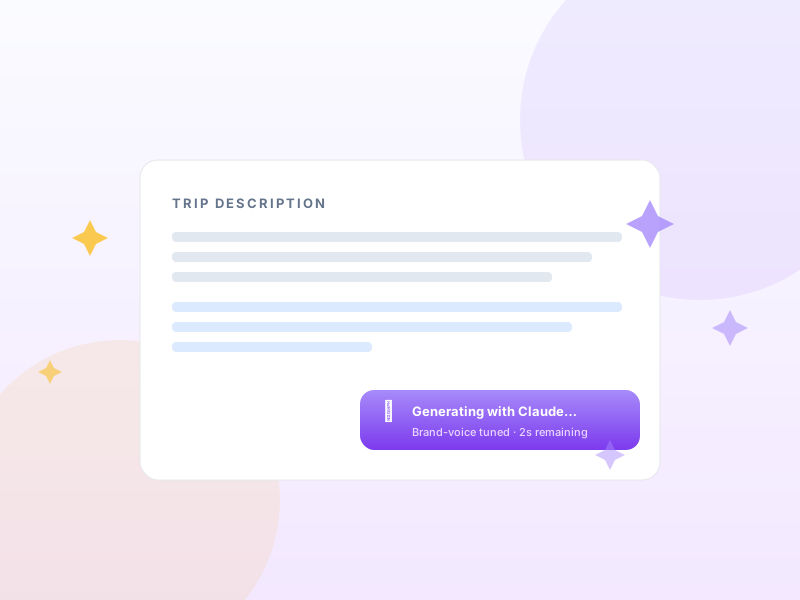
A sparkle button next to every long-form admin field — trip description, SEO meta, destination summary, enquiry reply. Click → AI generates context-aware copy in your brand voice. You bring the API key. No per-call markup. No proxying.
Single payment per year · 14-day refund · One Pro license unlocks every module on this tier.
Why AI Assistant matters for tour operators
Writing 80 trip descriptions, 80 SEO meta descriptions, and 200+ taxonomy blurbs is the single biggest blocker to launching a tour catalogue. Most operators outsource it (expensive) or skip it (terrible SEO). Inline AI assist with your own API key turns a multi-week project into an afternoon.
What changes once AI Assistant is on
Concrete operational outcomes — not feature checkboxes.
- Generate trip descriptions, SEO meta, destination/activity summaries, and enquiry replies inline.
- Bring your own OpenAI / Anthropic key — no Yatra proxy, no per-call markup, your usage your bill.
- Brand-voice tuning — feed Yatra 3–5 examples of your existing copy; AI matches the tone.
- Per-field context — trip generation uses the trip's destination, activity, difficulty, duration as input.
- Daily AI digest on the dashboard — "5 trips with thin descriptions you might want to expand".
What AI Assistant unlocks in Yatra
Every surface, every toggle, every audit trail — covered.
Sparkle affordance everywhere
A small ✨ button next to every long-form text area. Click → context-aware AI generation in place.
Multi-provider
Use OpenAI (GPT-4) or Anthropic (Claude). Pick per-task — some operators use Claude for prose, GPT for SEO.
Brand voice
Provide 3–5 examples of your existing copy. AI rewrites to match tone, vocabulary, length.
Per-field context
Trip description generation knows the trip's destination, activity, difficulty, duration, itinerary. Output is specific, not generic.
Bulk operations
Select 20 trips with thin descriptions → bulk-generate. Review + edit before publishing.
Enquiry-reply assist
In the enquiry inbox, sparkle next to the reply box generates a context-aware response draft. Edit, send.
Pairs with these Yatra Pro modules
Other modules that compose naturally with AI Assistant. All on the same Pro license — toggle as you need them.
Custom Landing Pages
Pro · StarterDefault Yatra archives are functional. The page you actually want to rank — built in Elementor, Gutenberg, or your page builder of choice, with rich copy, hero…
Email Automation
Pro · StarterWelcome, T-7 reminder, T-1 reminder, post-trip review request, win-back at +90 days. Yatra runs the whole sequence from your WordPress, audience-filtered, with…
WhatsApp Notifications
Pro · GrowthWhatsApp Business Cloud API integration. Transactional + reminder + review-request messages via Meta directly. Bring your own Meta credentials, pay Meta per-co…
How to set up AI Assistant in Yatra
No engineering. Open Yatra → Modules, toggle, follow the wizard.
-
1
Get an API key
OpenAI: platform.openai.com → API keys. Anthropic: console.anthropic.com → API keys.
-
2
Enable + paste
Yatra → Modules → AI Assistant → toggle on. Paste your key(s). Pick default provider per task.
-
3
Optional — feed brand voice samples
Paste 3–5 examples of your existing copy. AI uses them as tone reference for future generation.
-
4
Use the sparkle
Click ✨ next to any long-form field. Pick generate / refine / shorten / brand-voice. Edit + accept.
Copy-writing time drops from weeks to an afternoon.
AI Assistant — Yatra Pro FAQ
Want to feel AI Assistant in action first? Try Yatra Pro free →
Does Yatra ever see my API key?
What does AI generation actually cost?
Can I run this without an internet connection (e.g. local LLM)?
What about content quality? Won't it produce generic AI slop?
Add AI Assistant to your tour-booking website today.
Yatra Pro · Growth tier · Yearly or Lifetime · Growth or Scale
14-day refund · One license unlocks every module on your tier.