
Small things operators asked for.
Custom booking links, trip codes, recently viewed trips, a progress bar and age checks.
Send a trip's bookings to another site, give trips your own reference code, show visitors the trips they looked at, show customers where they are in checkout, and check travellers' ages against the trip's limits.
Bundled in the free Yatra plugin · Listed on WordPress.org
Why Trip Page & Checkout Extras matters for tour operators
Each of these is small, and each was a reason to add another plugin or write custom code.
What changes once Trip Page & Checkout Extras is on
Concrete operational outcomes — not feature checkboxes.
- Custom booking link: the trip's booking card and mobile bar become a button to another site, and Yatra's checkout is closed for that trip.
- Trip code: your own reference, such as ABC-12, in the trip's quick facts and in emails as {{trip_code}}.
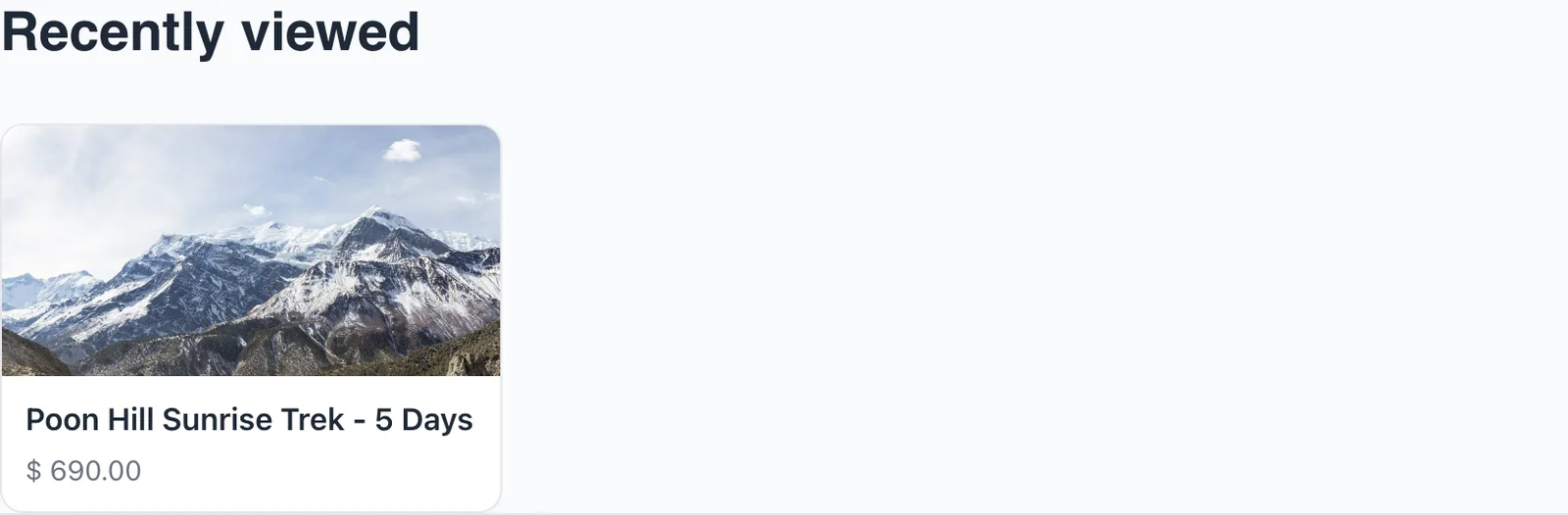
- Recently viewed trips: shown under each trip page, kept only in the visitor's browser. Off by default.
- Progress bar: Trip & date → Your details → Payment → Confirmation above the checkout form.
- Age checks: a trip's minimum and maximum age are checked against each traveller's date of birth on the travel date.
See Trip Page & Checkout Extras in Yatra
Real screens from a Yatra demo site. Click to enlarge.

What Trip Page & Checkout Extras unlocks in Yatra
Every surface, every toggle, every audit trail — covered.
Custom booking link
Trip → Availability & Booking. Opens in a new tab by default, with your own button text. Links must start with http:// or https://. An enquiry-only trip stays enquiry-only.
Yatra 2.x links
Trips imported from Yatra 2.x with an external booking URL use it again.
Trip code
Trip → Trip Basics → Trip code.
Recently viewed
Settings → General → Recently Viewed Trips, or [yatra_recently_viewed] anywhere. Nothing is stored on your server.
Developer switches
Hide the progress bar with yatra_checkout_show_progress; turn age checks off with yatra_enforce_trip_age_limits.
Pairs with these Yatra Pro modules
Pro modules that build naturally on top of Trip Page & Checkout Extras. Bundle unlocked by any Yatra Pro license.
Countdown & Social Proof
Pro · StarterShow a countdown on the booking card to an offer's end or the next departure, a "Booked 5 times in the last 30 days" badge, and a small popup such as "Someone …
Enquiry Form Questions
FreeAdd up to 10 questions to the enquiry form, such as preferred dates, group size or budget. Each can be a short answer, paragraph, dropdown or checkbox, optiona…
API Keys & Trip Embed
FreeCreate keys for apps that use Yatra's REST API, then revoke them any time. Switch on the trips embed, choose which trips to show, and paste the snippet into a …
How to set up Trip Page & Checkout Extras in Yatra
No engineering. Open Yatra → Modules, toggle, follow the wizard.
-
1
Per trip
Set a custom booking link under Availability & Booking and a trip code under Trip Basics.
-
2
Site-wide
Switch on Recently Viewed Trips under Settings → General.
-
3
Age limits
Set a trip's minimum and maximum age; checkout checks each traveller's date of birth.
Trip Page & Checkout Extras — Yatra Pro FAQ
Want to feel Trip Page & Checkout Extras in action first? Try Yatra Pro free →
Can a trip send customers to book on another website?
Does recently viewed trips use cookies?
How are ages checked?
Add Trip Page & Checkout Extras to your tour-booking website today.
Yatra Pro · Free tier · Bundled in the WordPress.org plugin · Yatra 3.3+
Free download · Yatra Pro adds 27 modules.