
Connect apps, show trips elsewhere.
API keys for Yatra's REST API, and your trips embedded on other websites.
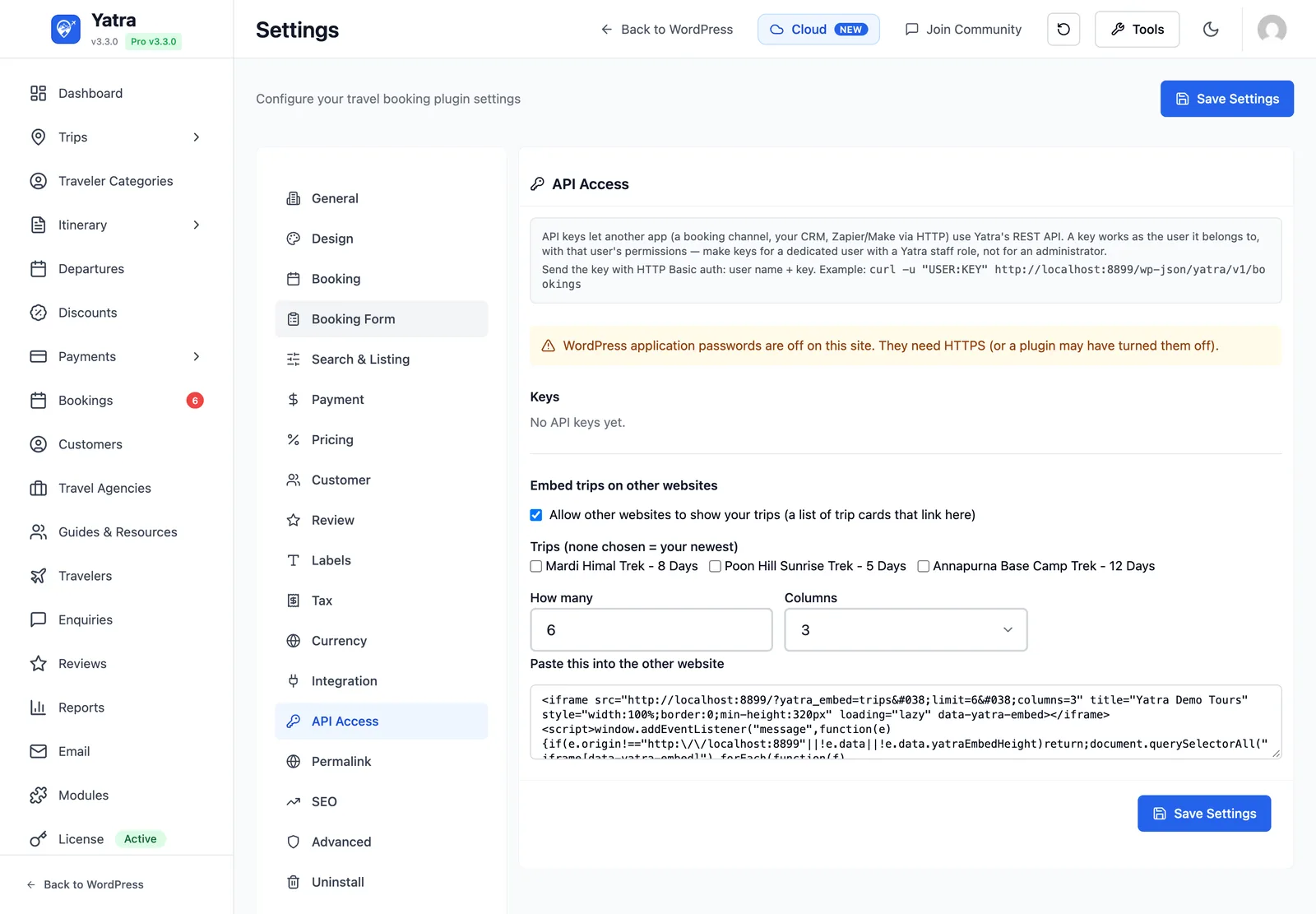
Create keys for apps that use Yatra's REST API, then revoke them any time. Switch on the trips embed, choose which trips to show, and paste the snippet into a partner's site: trip cards open the trip on your site in a new tab.
Bundled in the free Yatra plugin · Listed on WordPress.org
Why API Keys & Trip Embed matters for tour operators
Connecting an app to a booking system usually means sharing an admin password. Showing trips on a partner's site means copying them by hand and keeping prices in sync.
What changes once API Keys & Trip Embed is on
Concrete operational outcomes — not feature checkboxes.
- Create an API key for the WordPress user you choose. It can do what that user can do.
- The key is shown once and can be revoked any time.
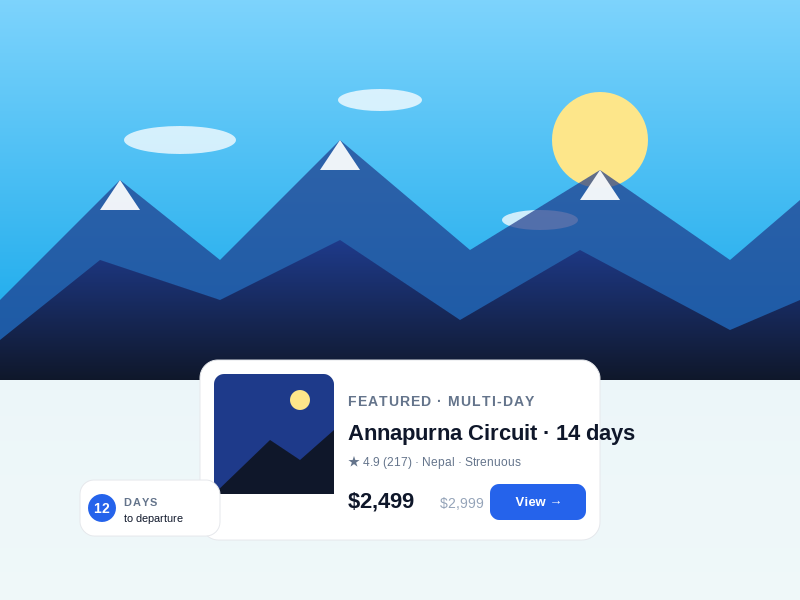
- Embed trip cards (photo, name, days, price) on other websites; the frame resizes itself.
- Choose the trips, or show your newest, with how many and how many columns.
- The embed shows only published trips and opens them on your site in a new tab.
See API Keys & Trip Embed in Yatra
Real screens from a Yatra demo site. Click to enlarge.

What API Keys & Trip Embed unlocks in Yatra
Every surface, every toggle, every audit trail — covered.
API keys
WordPress application passwords, managed from Settings → API Access. Requests use HTTP Basic auth.
Safe defaults
Make keys for a dedicated user with a Yatra staff role, not for an administrator.
Trips embed
Settings → API Access → Embed trips on other websites. The embed page is /?yatra_embed=trips.
Pairs with these Yatra Pro modules
Pro modules that build naturally on top of API Keys & Trip Embed. Bundle unlocked by any Yatra Pro license.
Webhooks
Pro · ScaleEach endpoint receives one Yatra event as a signed HTTPS request. Capture a real payload, choose the fields to send, and let Yatra retry failed deliveries. Eve…
AI Assistant
Pro · GrowthDraft trip descriptions, itineraries, SEO text and enquiry replies in your brand voice, right in the Yatra admin. A built-in MCP server lets Claude, Cursor and…
SliceWP Affiliates
FreeWith the SliceWP plugin active, switch on Yatra in SliceWP's integrations. A booking from a visitor an affiliate referred gets a pending commission at SliceWP'…
How to set up API Keys & Trip Embed in Yatra
No engineering. Open Yatra → Modules, toggle, follow the wizard.
-
1
Create a key
Settings → API Access: pick the user, create the key and copy it.
-
2
Call the API
Send requests to /wp-json/yatra/v1/ with HTTP Basic auth over HTTPS.
-
3
Embed trips
Switch on the embed, choose trips and columns, and paste the snippet into the other site.
API Keys & Trip Embed — Yatra Pro FAQ
Want to feel API Keys & Trip Embed in action first? Try Yatra Pro free →
Does Yatra have a REST API?
Does it work on a site without HTTPS?
Can I show my trips on another website?
Add API Keys & Trip Embed to your tour-booking website today.
Yatra Pro · Free tier · Bundled in the WordPress.org plugin · Yatra 3.3+
Free download · Yatra Pro adds 27 modules.