
Balance collection on autopilot.
Auto-charge the remaining balance on a future date.
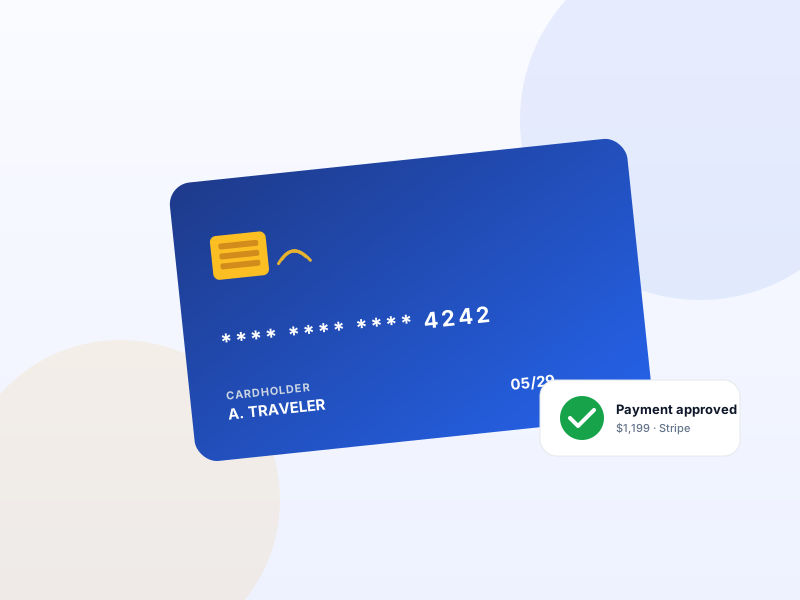
Saves the card at checkout. Charges the balance T-30 days before departure (configurable). Zero operator effort, zero "remember to chase the balance" emails. Single charge or installments.
Single payment per year · 14-day refund · One Pro license unlocks every module on this tier.
Why Scheduled Payments matters for tour operators
Deposits create accounts-receivable. AR sounds professional until you remember it's "free loans to customers who might cancel". Manual balance chase is a part-time job at scale. Auto-charging with the saved card eliminates 95%+ of that work.
What changes once Scheduled Payments is on
Concrete operational outcomes — not feature checkboxes.
- Charge the balance T-30 (or T-N) automatically using the card on file.
- Configurable schedule — single charge or installments (e.g. 50% T-90, 50% T-30).
- Operator notification on success + customer receipt email.
- Failed-charge handling — automatic retry + email the customer to update card.
- Audit trail of every scheduled, attempted, succeeded, failed charge.
What Scheduled Payments unlocks in Yatra
Every surface, every toggle, every audit trail — covered.
Single or installment
One balance charge T-N days before departure, or N installments at custom intervals.
Per-trip override
A 7-day workshop can use T-14 charge; a 14-day expedition can use T-60 + T-30 installments.
Failed-charge recovery
Card declined → automatic retry + "update your payment method" email + admin notification.
Cancel before charge
Customer cancellation window stops the scheduled charge. No nasty surprises.
Operator override
Charge balance immediately, postpone it, or skip it from the admin booking screen.
Pairs with these Yatra Pro modules
Other modules that compose naturally with Scheduled Payments. All on the same Pro license — toggle as you need them.
Flexible Payments
Pro · StarterCustomers commit to a tour months in advance — but few will pay $4,000 upfront. Flexible Payments lets you accept a deposit (e.g. 25%) at checkout and bill the…
Email Automation
Pro · StarterWelcome, T-7 reminder, T-1 reminder, post-trip review request, win-back at +90 days. Yatra runs the whole sequence from your WordPress, audience-filtered, with…
Abandoned Booking Recovery
Pro · StarterA 3-step automated email sequence with personalised one-click recovery links. Each link drops the customer back into the exact trip + traveler-count combo they…
How to set up Scheduled Payments in Yatra
No engineering. Open Yatra → Modules, toggle, follow the wizard.
-
1
Enable Flexible Payments first
Scheduled Payments only fires when there's a balance to charge — which requires deposits/partials configured first.
-
2
Toggle Scheduled Payments on
Yatra → Modules. Settings appear under Settings → Payment.
-
3
Pick the schedule
Single charge at T-30, or installments. T-N is configurable per site and per trip.
-
4
Let WP cron do the work
Standard WP cron fires the scheduled charges. No external worker. No SaaS dependency.
A part-time accounts-receivable job, automated.
Scheduled Payments — Yatra Pro FAQ
Want to feel Scheduled Payments in action first? Try Yatra Pro free →
Which gateways support saved-card balance charging?
What if the card has expired between deposit and balance?
Is this PCI-compliant?
Add Scheduled Payments to your tour-booking website today.
Yatra Pro · Starter tier · Yearly or Lifetime · Requires Flexible Payments
14-day refund · One license unlocks every module on your tier.