
The free card gateway.
Cards via PayPal — no Pro license required.
PayPal payment gateway with both IPN (legacy) and REST (modern) flows. Cards, PayPal balance, and Pay-in-4 supported. Bundled in the free WordPress.org plugin. Stripe, Razorpay, Mollie and 4 more gateways unlock with Pro.
Bundled in the free Yatra plugin · Listed on WordPress.org
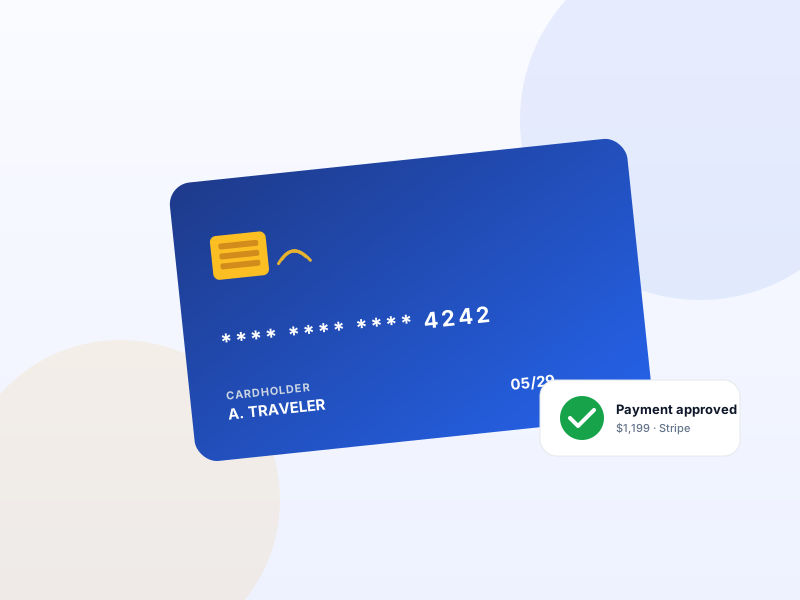
Why PayPal matters for tour operators
Most WordPress booking plugins make you pay for ANY card gateway via their Pro tier. Yatra ships PayPal — which accepts every card brand — in the free plugin so an operator can launch with $0 in licensing.
What changes once PayPal is on
Concrete operational outcomes — not feature checkboxes.
- Accept Visa / Mastercard / Amex / Discover via PayPal — no Pro license required.
- PayPal balance + Pay-in-4 supported.
- Both IPN (legacy) and REST (modern) flows — works with any PayPal account vintage.
- Webhook signature verification — no spoofed payment notifications.
- Refund + partial-refund support from the Yatra booking admin.
What PayPal unlocks in Yatra
Every surface, every toggle, every audit trail — covered.
IPN flow (legacy)
Best for older PayPal Business accounts that don't support REST. Works without any developer setup.
REST flow (modern)
OAuth + webhooks. Recommended for new accounts. Saved-card tokens (for Scheduled Payments) require this flow.
Refunds + partial refunds
Issue from the Yatra booking admin. Reflected in PayPal + customer email.
Multi-currency
PayPal supports 25+ currencies. Yatra honours whatever currency you've configured globally.
Pairs with these Yatra Pro modules
Pro modules that build naturally on top of PayPal. Bundle unlocked by any Yatra Pro license.
Flexible Payments
Pro · StarterCustomers commit to a tour months in advance — but few will pay $4,000 upfront. Flexible Payments lets you accept a deposit (e.g. 25%) at checkout and bill the…
Pay Later
FreePay Later flow — Yatra creates a Pending-payment booking, shows your bank details / instructions to the customer, and lets you mark Completed in admin once mon…
Scheduled Payments
Pro · StarterSaves the card at checkout. Charges the balance T-30 days before departure (configurable). Zero operator effort, zero "remember to chase the balance" emails. S…
How to set up PayPal in Yatra
No engineering. Open Yatra → Modules, toggle, follow the wizard.
-
1
Get PayPal credentials
IPN: Business email is enough. REST: developer.paypal.com → create app → get Client ID + Secret.
-
2
Paste into Yatra
Settings → Payment → PayPal. Pick IPN or REST mode. Paste credentials.
-
3
Test in sandbox
Toggle sandbox mode + use a PayPal sandbox account to verify the end-to-end flow.
-
4
Go live
Flip the sandbox toggle off. Take a real booking. Money lands in your PayPal account directly.
PayPal — Yatra Pro FAQ
Want to feel PayPal in action first? Try Yatra Pro free →
Why PayPal as the free gateway and not Stripe?
Does Yatra take a cut of PayPal payments?
Can I run PayPal alongside Stripe (with Pro)?
Add PayPal to your tour-booking website today.
Yatra Pro · Free tier · Bundled in the WordPress.org plugin
Free download · Pro modules add 18 more capabilities.