
Deposits without losing the booking.
Take a deposit at checkout. Collect the balance later.
Customers commit to a tour months in advance — but few will pay $4,000 upfront. Flexible Payments lets you accept a deposit (e.g. 25%) at checkout and bill the remaining balance later. Site-wide defaults; per-trip overrides for premium trips that need a larger commitment.
Single payment per year · 14-day refund · One Pro license unlocks every module on this tier.
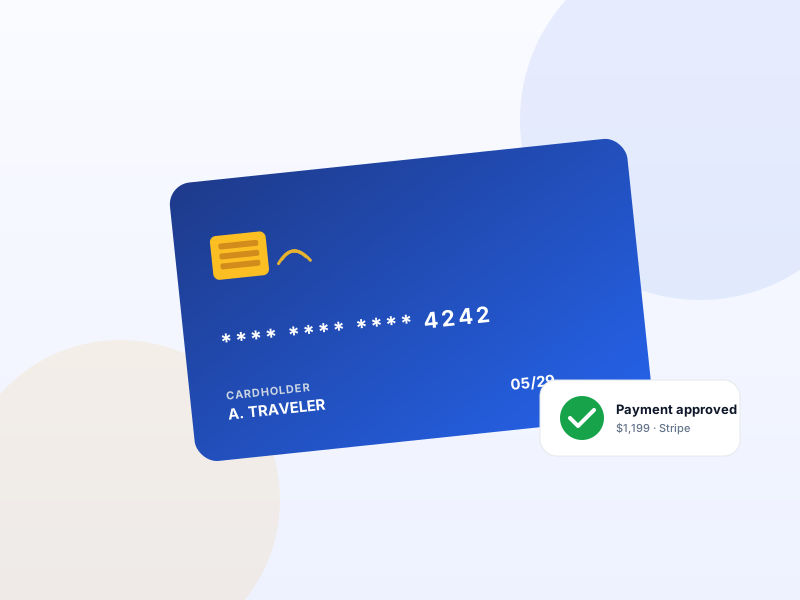
Why Flexible Payments matters for tour operators
A $3,500 expedition booking abandoned at "Please enter card details" usually doesn't mean the customer can't afford the trip — it means they don't want to put $3,500 on a single transaction four months ahead. Asking for a $700 deposit instead recovers most of those bookings.
What changes once Flexible Payments is on
Concrete operational outcomes — not feature checkboxes.
- Convert customers who balk at full-pay upfront — sometimes 30–50% of multi-day bookings.
- Two modes: Deposit (fixed amount or %) or Partial (customer chooses any amount above a minimum).
- Per-trip override — high-margin trips can require larger deposits.
- Pairs with Scheduled Payments for fully-automated balance collection on a future date.
- Clear booking statuses — Pending (no payment), Partially Paid (deposit only), Confirmed (paid in full).
What Flexible Payments unlocks in Yatra
Every surface, every toggle, every audit trail — covered.
Deposit mode
Fixed amount ($500) or fixed percentage (25%). Customer pays that exact amount at checkout.
Partial mode
Customer chooses any amount between a minimum (e.g. 20%) and the full price. Useful for high-trust niches.
Per-trip override
Site default says 25%; this trip requires 40%. Per-trip Advanced settings let you override.
Balance tracking
Each booking shows deposit paid + balance due + due date. Customer my-account dashboard shows the same.
Manual balance capture
When balance comes due, admin can charge the saved card with one click — or send a "Pay balance" email link.
Scheduled Payments handoff
Enable the companion module and balance capture becomes fully automatic on a future date.
Pairs with these Yatra Pro modules
Other modules that compose naturally with Flexible Payments. All on the same Pro license — toggle as you need them.
Scheduled Payments
Pro · StarterSaves the card at checkout. Charges the balance T-30 days before departure (configurable). Zero operator effort, zero "remember to chase the balance" emails. S…
Email Automation
Pro · StarterWelcome, T-7 reminder, T-1 reminder, post-trip review request, win-back at +90 days. Yatra runs the whole sequence from your WordPress, audience-filtered, with…
Dynamic Pricing
Pro · StarterAuto-adjust trip prices by season, demand, early-bird, last-minute, weekday, or inventory level. Six rule types with stacking and priority. The same revenue-ma…
How to set up Flexible Payments in Yatra
No engineering. Open Yatra → Modules, toggle, follow the wizard.
-
1
Enable the module
Yatra → Modules → Flexible Payments → toggle on. New settings appear under Settings → Payment.
-
2
Set the site default
Pick Deposit or Partial mode + the rate / minimum. Most operators start with Deposit at 25%.
-
3
Override premium trips
In a trip's Advanced settings, set a per-trip override if certain trips need a higher commitment.
-
4
Optional — auto-charge balance
Enable Scheduled Payments. Balance now captures automatically on a configurable date before departure.
Recovers bookings you would otherwise lose to checkout abandonment.
Flexible Payments — Yatra Pro FAQ
Want to feel Flexible Payments in action first? Try Yatra Pro free →
Does the customer's card get re-charged automatically?
What gateway saves the card for the balance charge?
Can the customer pay the balance themselves before the auto-charge?
Add Flexible Payments to your tour-booking website today.
Yatra Pro · Starter tier · Yearly or Lifetime
14-day refund · One license unlocks every module on your tier.