
Offline payments, the way customers actually pay.
Cheque payments and a bank account for each currency.
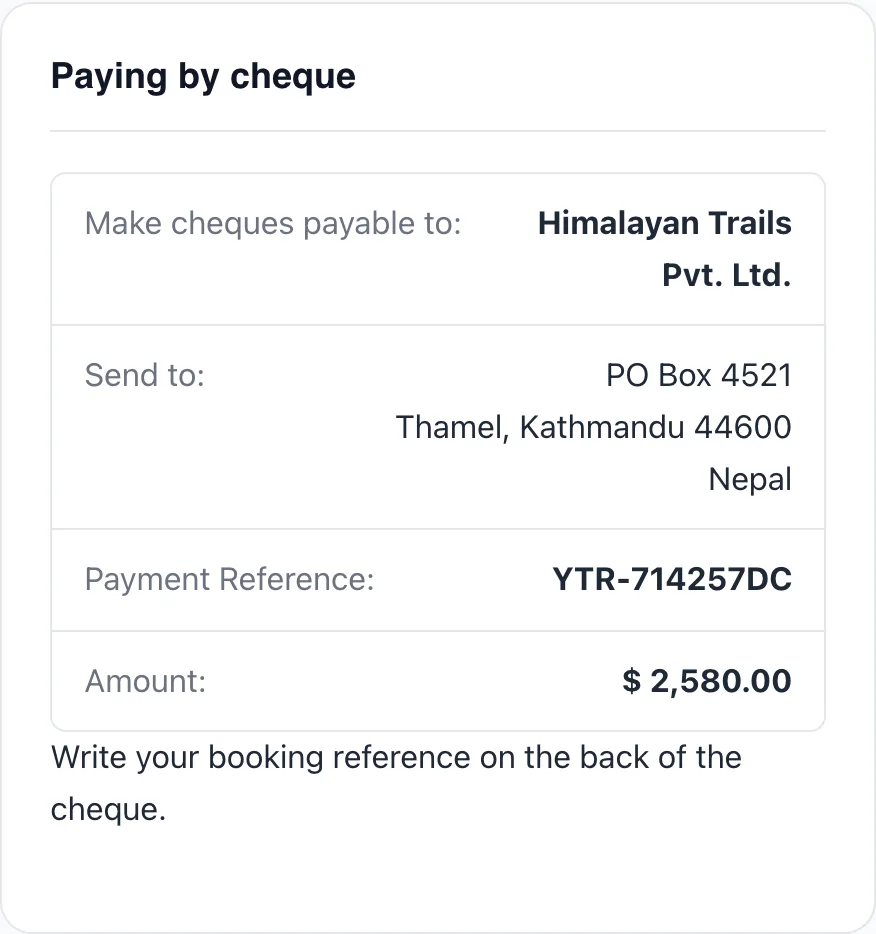
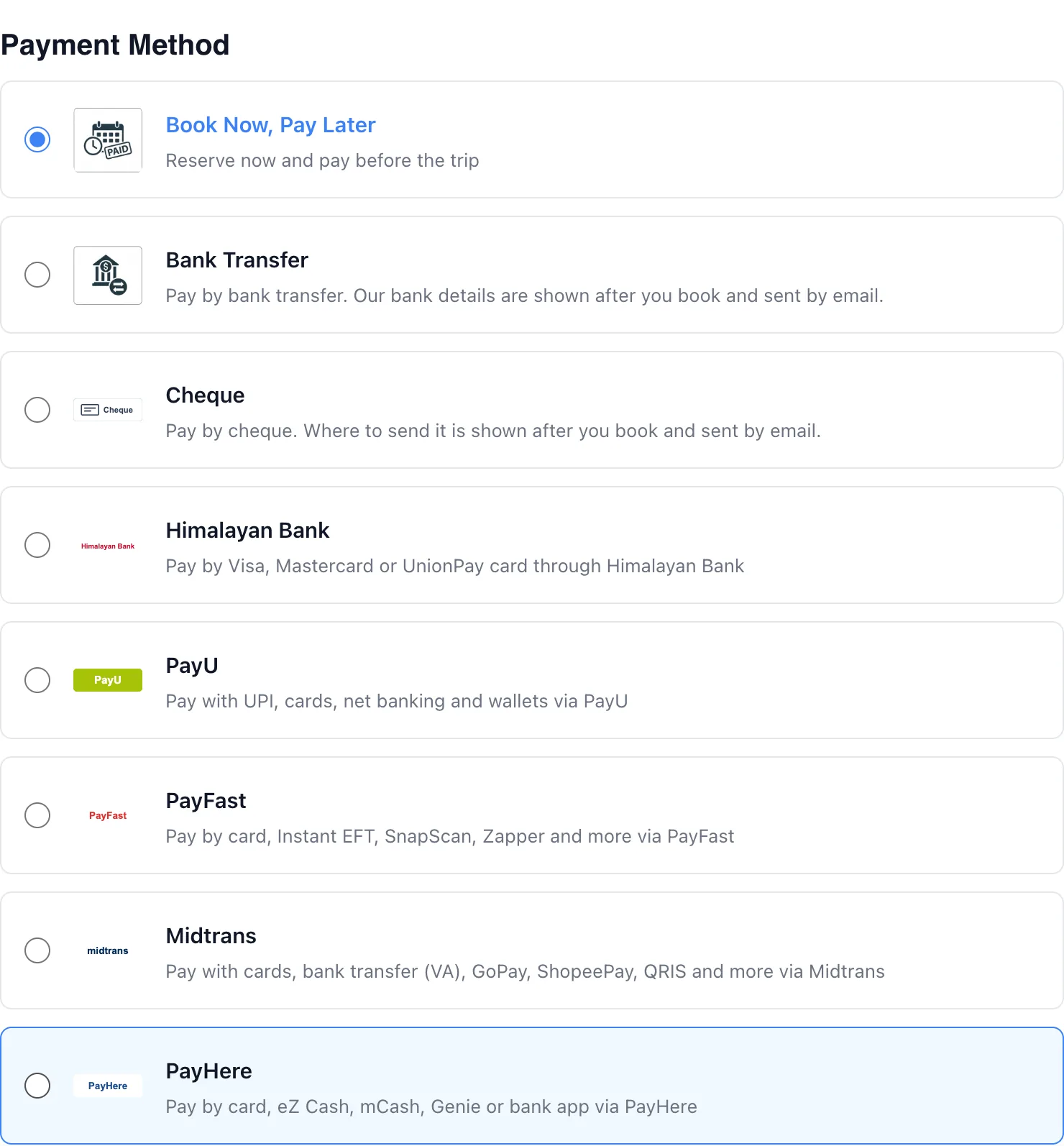
Offer Cheque at checkout, with who to make it payable to and where to send it. For bank transfers, add up to 10 more accounts and give each a currency: a booking shows the accounts in its own currency.
Bundled in the free Yatra plugin · Listed on WordPress.org
Why Cheque & Multiple Bank Accounts matters for tour operators
Schools, clubs and older customers still pay by cheque, and operators who take several currencies have a bank account for each. With one bank account on every booking, customers pay into the wrong one.
What changes once Cheque & Multiple Bank Accounts is on
Concrete operational outcomes — not feature checkboxes.
- Cheque at checkout with Make cheques payable to, Send cheques to (a postal address) and instructions.
- Cheque bookings stay pending until you record the payment, and are not cancelled by the unpaid-booking expiry.
- Bank transfer: give the main account a currency and add up to 10 more accounts.
- A booking shows the accounts in its currency plus those with no currency set, on the confirmation page, the invoice and the booking email.
See Cheque & Multiple Bank Accounts in Yatra
Real screens from a Yatra demo site. Click to enlarge.
Pairs with these Yatra Pro modules
Pro modules that build naturally on top of Cheque & Multiple Bank Accounts. Bundle unlocked by any Yatra Pro license.
Pay Later & Bank Transfer
FreeTwo free payment methods for customers who don't pay by card. Bank Transfer shows your bank details on the confirmation page, the invoice and the booking email…
Booking Workspace & Payment Links
FreeThe booking screen is where you manage the money after checkout. Record a bank transfer or cash payment, add a discount or surcharge with a reason, refund thro…
Regional Payment Gateways
Pro · StarterFive gateways for Nepal, India, South Africa, Indonesia and Sri Lanka. The customer pays on the gateway's own hosted payment page and comes back to your confir…
How to set up Cheque & Multiple Bank Accounts in Yatra
No engineering. Open Yatra → Modules, toggle, follow the wizard.
-
1
Turn on Cheque
Yatra → Settings → Payment → Cheque: payee, postal address and instructions.
-
2
Add bank accounts
Yatra → Settings → Payment → Bank Transfer: set the main account's currency and add more accounts.
-
3
Record payments
When the money arrives, open the booking and click Record payment.
Cheque & Multiple Bank Accounts — Yatra Pro FAQ
Want to feel Cheque & Multiple Bank Accounts in action first? Try Yatra Pro free →
Can customers pay for a tour by cheque in WordPress?
Will unpaid cheque bookings be cancelled automatically?
Which bank account does a customer see?
Add Cheque & Multiple Bank Accounts to your tour-booking website today.
Yatra Pro · Free tier · Bundled in the WordPress.org plugin · Yatra 3.3+
Free download · Yatra Pro adds 27 modules.