
Emails that look like they come from you.
Your logo and brand colour in every Yatra email.
Put your company logo at the top of Yatra's emails and use your brand colour for the header band and buttons. The text colour on it is chosen for contrast, so it stays readable.
Bundled in the free Yatra plugin · Listed on WordPress.org
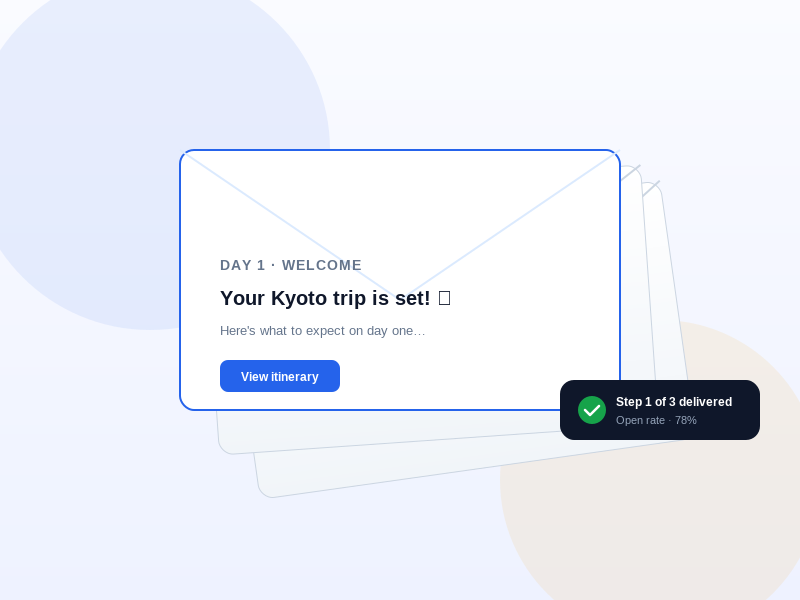
Why Email Branding matters for tour operators
Confirmations and receipts are the emails customers open most. Plain emails with a default colour look generic, and editing HTML templates just to add a logo is more work than it should be.
What changes once Email Branding is on
Concrete operational outcomes — not feature checkboxes.
- Your logo at the top of Yatra's emails.
- Your brand colour for the header band and buttons.
- Readable text on your colour, chosen for contrast.
Pairs with these Yatra Pro modules
Pro modules that build naturally on top of Email Branding. Bundle unlocked by any Yatra Pro license.
Transactional Emails
FreeThe free Yatra plugin sends about 20 booking emails, from "we've received your booking" to the review request after the trip, plus alerts for your team. Edit t…
Email Automation
Pro · StarterBuild multi-step email sequences that start from real booking events, give some trips or payment methods their own version of an email, and see every message Y…
White Label
Pro · ScaleReplace Yatra's name, logo and colors in the admin, rename and reorder the sidebar, rebrand the plugin on the Plugins screen, and put your logo on PDFs. Built …
How to set up Email Branding in Yatra
No engineering. Open Yatra → Modules, toggle, follow the wizard.
-
1
Open the setting
Yatra → Settings → Email → Delivery.
-
2
Add your logo and colour
Upload the logo and pick the brand colour.
-
3
Send a test
Resend a booking email to yourself to check it.
Email Branding — Yatra Pro FAQ
Want to feel Email Branding in action first? Try Yatra Pro free →
Can I add my logo to WordPress booking emails?
Can developers change the branded HTML?
Add Email Branding to your tour-booking website today.
Yatra Pro · Free tier · Bundled in the WordPress.org plugin · Yatra 3.3+
Free download · Yatra Pro adds 27 modules.