
The travel-first data model.
Build trips the way tours actually sell.
Unlimited trips with rich descriptions, gallery, difficulty, duration, meeting points, included/excluded lists, per-trip FAQs, custom attributes, and a day-by-day itinerary builder. The foundation of the entire Yatra catalogue — free in the WordPress.org plugin.
Bundled in the free Yatra plugin · Listed on WordPress.org
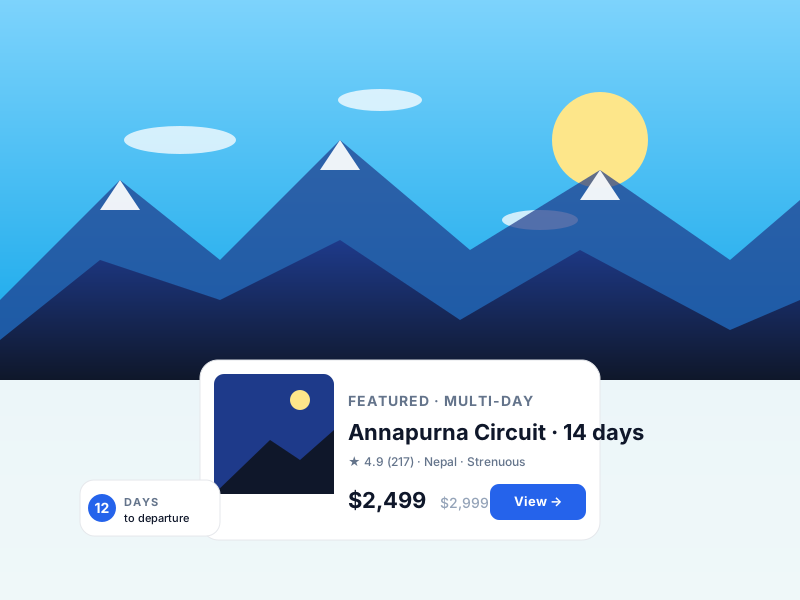
Why Trips & Itineraries matters for tour operators
Generic WooCommerce-style shops treat a tour as "a product with a date variation". That model breaks the moment you need per-departure capacity, traveler categories, day-by-day itineraries, or trip difficulty grading. Yatra's data model is travel-first from the start — every concept a tour operator actually uses is a real field, not a workaround.
What changes once Trips & Itineraries is on
Concrete operational outcomes — not feature checkboxes.
- Unlimited trips. Real travel fields (difficulty, duration, meeting points, included/excluded).
- Day-by-day itinerary builder — what generic ticket plugins call "the description".
- Traveler-based pricing — adults / children / infants / custom categories with independent prices, stored in the trip's `price_types` JSON.
- Custom per-trip FAQs and free-form attributes without an external plugin.
- Cover image + gallery + featured-priority flagging — all on the trip object.
- Sale + regular pricing, plus per-departure price overrides via recurring rules.
What Trips & Itineraries unlocks in Yatra
Every surface, every toggle, every audit trail — covered.
Itinerary builder
Day-by-day cards with title, narrative, accommodation, meal plan, optional activities. Drag to reorder.
Trip metadata
Difficulty grade, duration days/nights, max group size, age min/max, meeting point + map.
Gallery + featured image
Multi-image gallery with lightbox; cover image and an optional video URL.
Per-trip FAQs
Collapsible accordion on the public trip page. No separate plugin required.
Custom attributes
Free-form attributes per trip — best season, what to bring, fitness level, equipment notes.
Featured priority
Pin trips to the top of catalogue listings via a single dropdown.
Pairs with these Yatra Pro modules
Pro modules that build naturally on top of Trips & Itineraries. Bundle unlocked by any Yatra Pro license.
Departures & Availability
FreeA departure isn't "a variation of a product". It's an event with capacity, advance-booking limits, cutoff times, and per-occurrence pricing. Yatra ships a thre…
Customer Accounts
FreeCustomers log in to see upcoming trips, past trips, booking details, downloadable PDFs, profile edits, password resets. Lower support burden, higher repeat-boo…
Dynamic Pricing
Pro · StarterAuto-adjust trip prices by season, demand, early-bird, last-minute, weekday, or inventory level. Six rule types with stacking and priority. The same revenue-ma…
How to set up Trips & Itineraries in Yatra
No engineering. Open Yatra → Modules, toggle, follow the wizard.
-
1
Install free
WordPress.org plugin directory → "Yatra" → Install + Activate.
-
2
Add your first trip
Yatra → Trips → Add new. Title, short description, full description, price.
-
3
Build the itinerary
Itinerary tab → add days. Each day gets a title + narrative + meal/accommodation flags.
-
4
Publish
Hit Publish. Trip is live at /trip/your-slug/. Browse the catalogue at /trips/.
Trips & Itineraries — Yatra Pro FAQ
Want to feel Trips & Itineraries in action first? Try Yatra Pro free →
Is there a limit on how many trips I can create?
Can the trip page be customized with my page builder?
Do I need WooCommerce installed?
Add Trips & Itineraries to your tour-booking website today.
Yatra Pro · Free tier · Bundled in the WordPress.org plugin
Free download · Pro modules add 18 more capabilities.